Getting Started
Last reviewed: 2026-03-07
What Pastiera is
Pastiera is an Android input method designed for phones with a physical keyboard. The app focuses on faster hardware typing through:
- long-press mappings and modifier control
- navigation shortcuts and Nav Mode
- configurable layouts and language mappings
- SYM pages, emoji tools, variations, and clipboard history
- suggestions, auto substitutions, and user dictionaries
- backup and restore for your setup
Requirements
- Android 10 or newer
- a device with a physical keyboard
- Pastiera installed from a stable or nightly build
First setup
- Install Pastiera.
- Open Android keyboard settings.
- Enable the Pastiera input method.
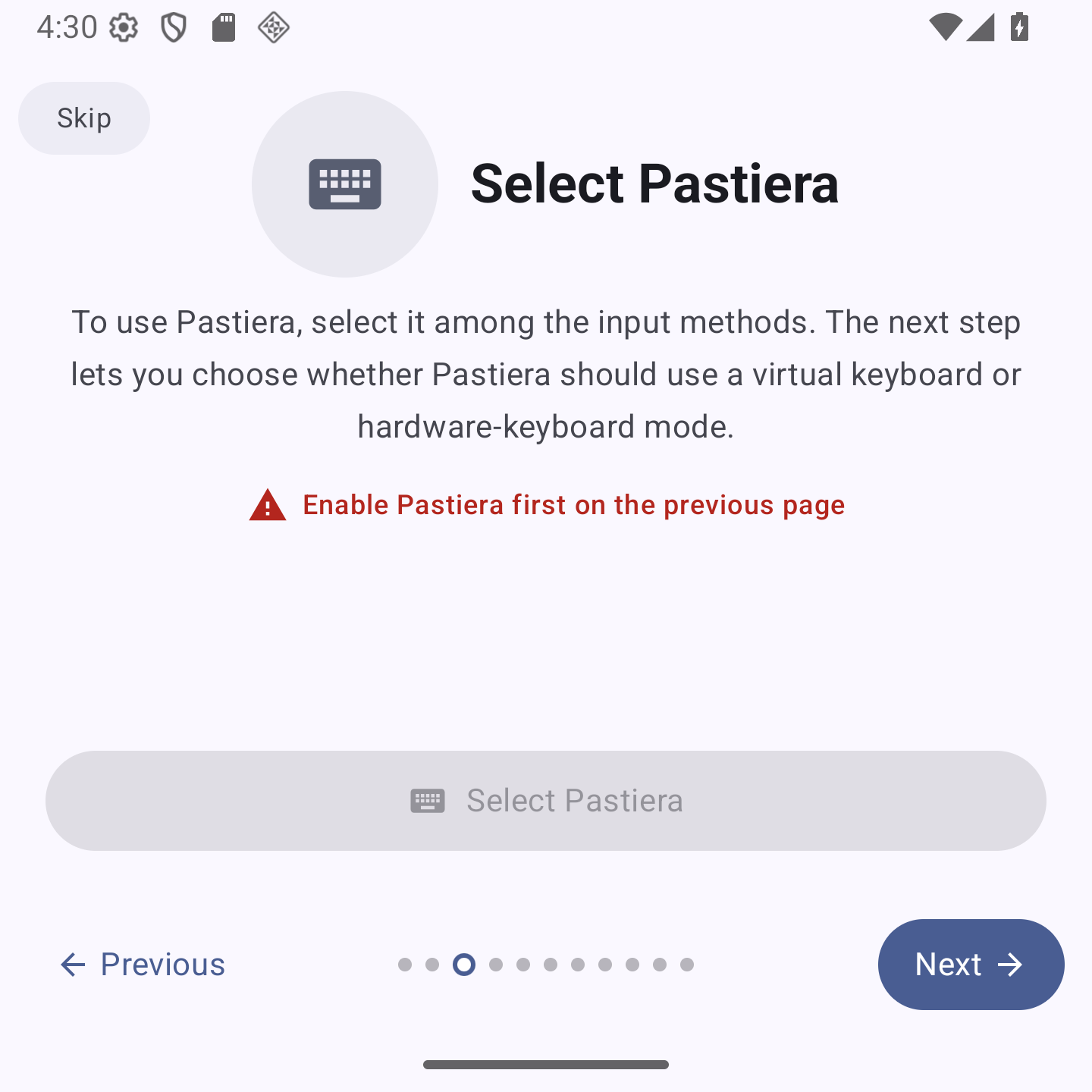
- Switch to Pastiera from the system input-method picker.
- Decide whether you want the full IME bar or the smaller “Pastierina” mode.
Where the main settings live
Most day-to-day configuration is grouped into these sections inside the app:
Settings > Keyboard & TimingSettings > Smart FeaturesSettings > AccessibilitySettings > Languages and MapsSettings > Auto-correctionSettings > CustomizationSettings > Advanced
Recommended first checks
After activation, these are usually the first things worth adjusting:
- Choose your preferred layout in
Languages and Maps. - Set long-press behavior and timing in
Keyboard & Timing. - Decide whether
Double Space to Period,Auto-Capitalize, andClear Alt on Spaceshould be on. - Open
Customizationif you want to change SYM pages, variations, or Nav Mode mappings. - Open
Advancedif you want clipboard retention, shortcuts, backup, or trackpad features.
What to read next